This version of the Wurst Hacked Client is available for Minecraft 26.1, 1.21.11, 1.21.10 and 1.21.8, as well as snapshots 26.1-rc-3 and 26.1-rc-2.
Changelog
-
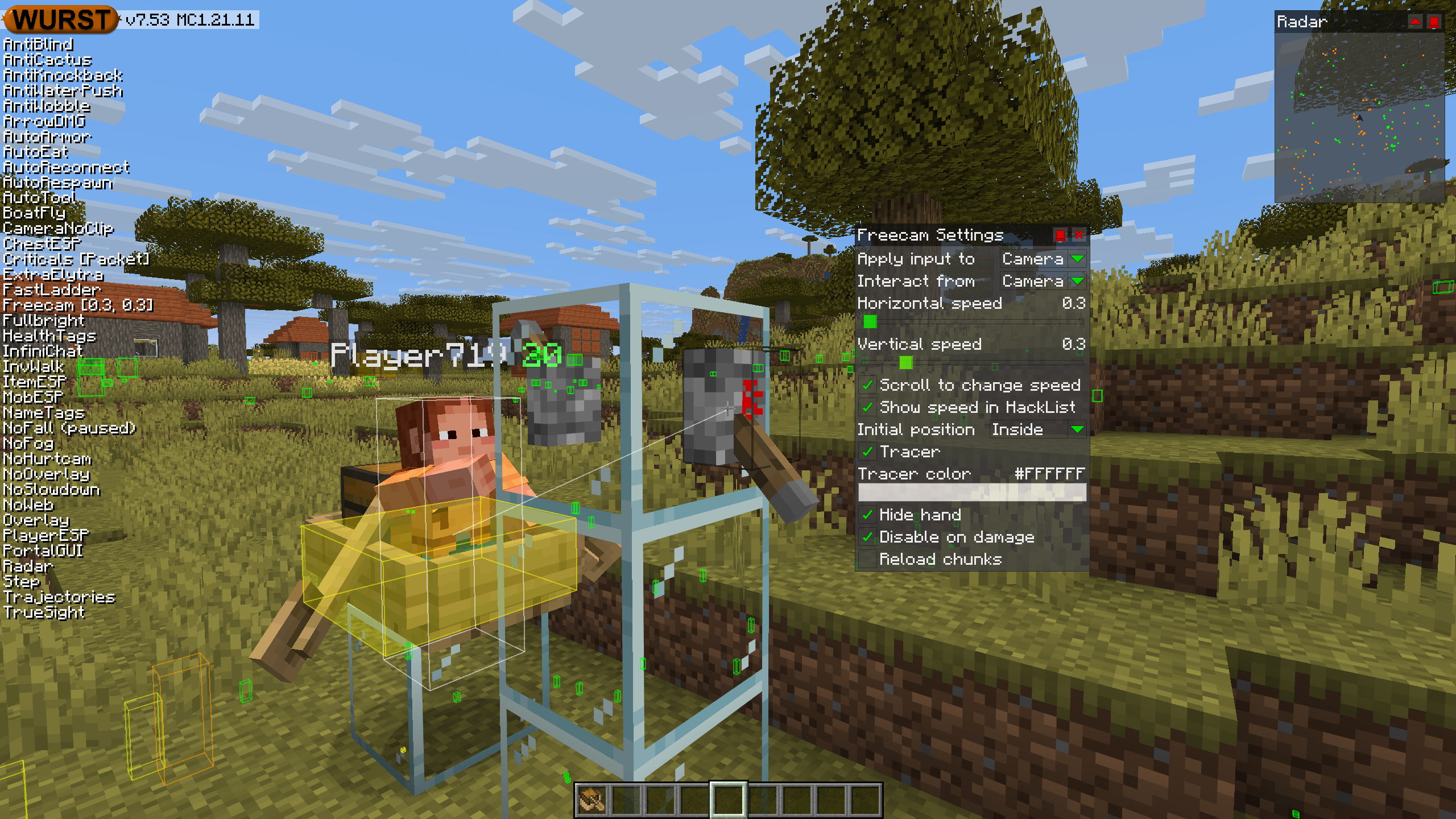
Added an “Interact from” setting to Freecam. When changed to “Camera”, this allows you to interact with blocks and entities from the camera like Freecam did in older versions of Wurst. (#1300, /d/1491, /d/1505)
-
Added a “Reload chunks” checkbox to Freecam. Turning this off improves performance but can cause visual holes in the world. (#6 (WI Freecam))
-
Fixed Freecam affecting vehicles in Camera input mode. (#4 (WI Freecam))
-
Fixed some chunks being invisible while using Freecam or X-Ray with Sodium installed. (/d/1502)
-
Fixed AutoBuild, AutoFarm, BuildRandom, and InstaBuild opening interactive blocks (chest/sign/etc.) instead of placing a block against them. (#1075, #1081, /d/1497)
-
Added “Face target” and “Swing hand” settings to AutoBuild. (/d/1524)
-
Fixed ores being dark when using X-Ray with Iris installed. (#1026, #1099, /d/1497)
-
Added mouse button support to Wurst’s keybind system. (#808, #1044, /d/1509)
-
Fixed keys in Wurst’s keybind editor not being displayed the same way as in Minecraft’s controls menu.
-
Changed
SectionOcclusionGraphMixinto use@WrapOperationinstead of@Redirectfor better compatibility with other mods. No specific compatibility issues found, just making sure Wurst follows best practices. -
Fixed NoSlowdown no longer preventing item use slowness. (#1199)
-
Fixed the “Filter golems” descriptions not mentioning copper golems. (/d/1519)
-
Fixed popups in Navigator detaching from the dropdown that opened them if you scroll too far. (/d/1520)
-
Fixed popups (in general) staying open when the dropdown that opened them is scrolled out of view. (/d/1520)
-
Fixed AltManager no longer being able to log you in successfully. (/d/1529)
-
Further improved the automated test system.
Included Features
Default Keybinds (14)
These are the default keybinds when you first install Wurst. All of them are fully customizable!
- B → FastPlace & FastBreak
- C → Fullbright
- G → Flight
- ; → SpeedNuker
- H → /home
- J → Jesus
- K → MultiAura
- N → Nuker
- R → Killaura
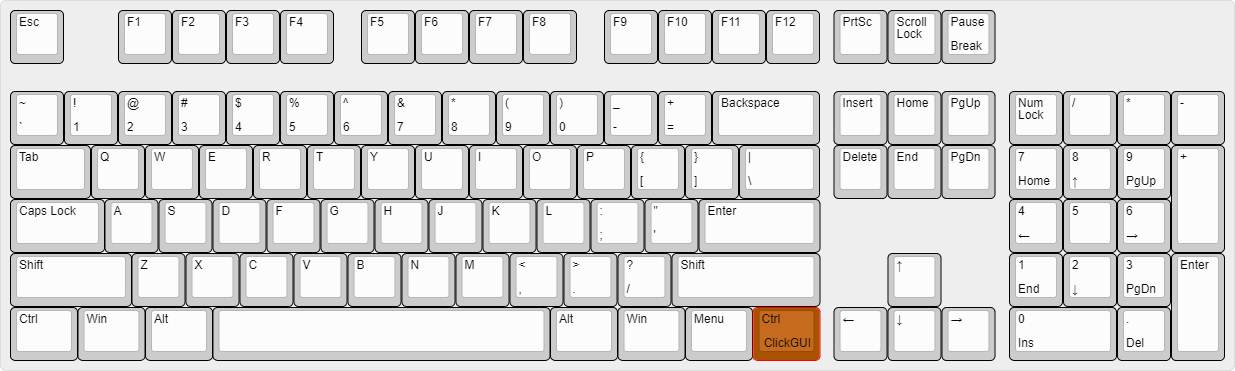
- Right CTRL → ClickGUI
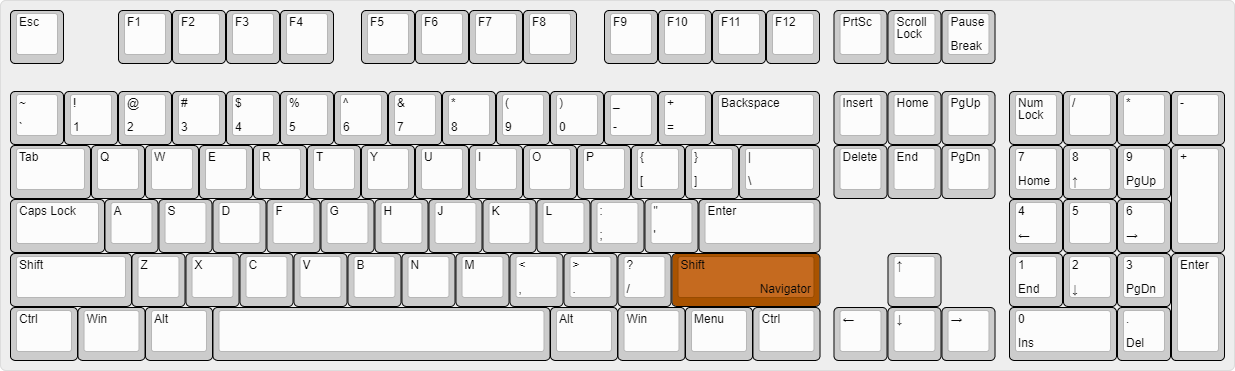
- Right SHIFT → Navigator
- U → Freecam
- X → X-Ray
- Y → Sneak
GUIs (3)
Wurst has more than just one GUI. You can choose whichever one you like best.
ClickGUI
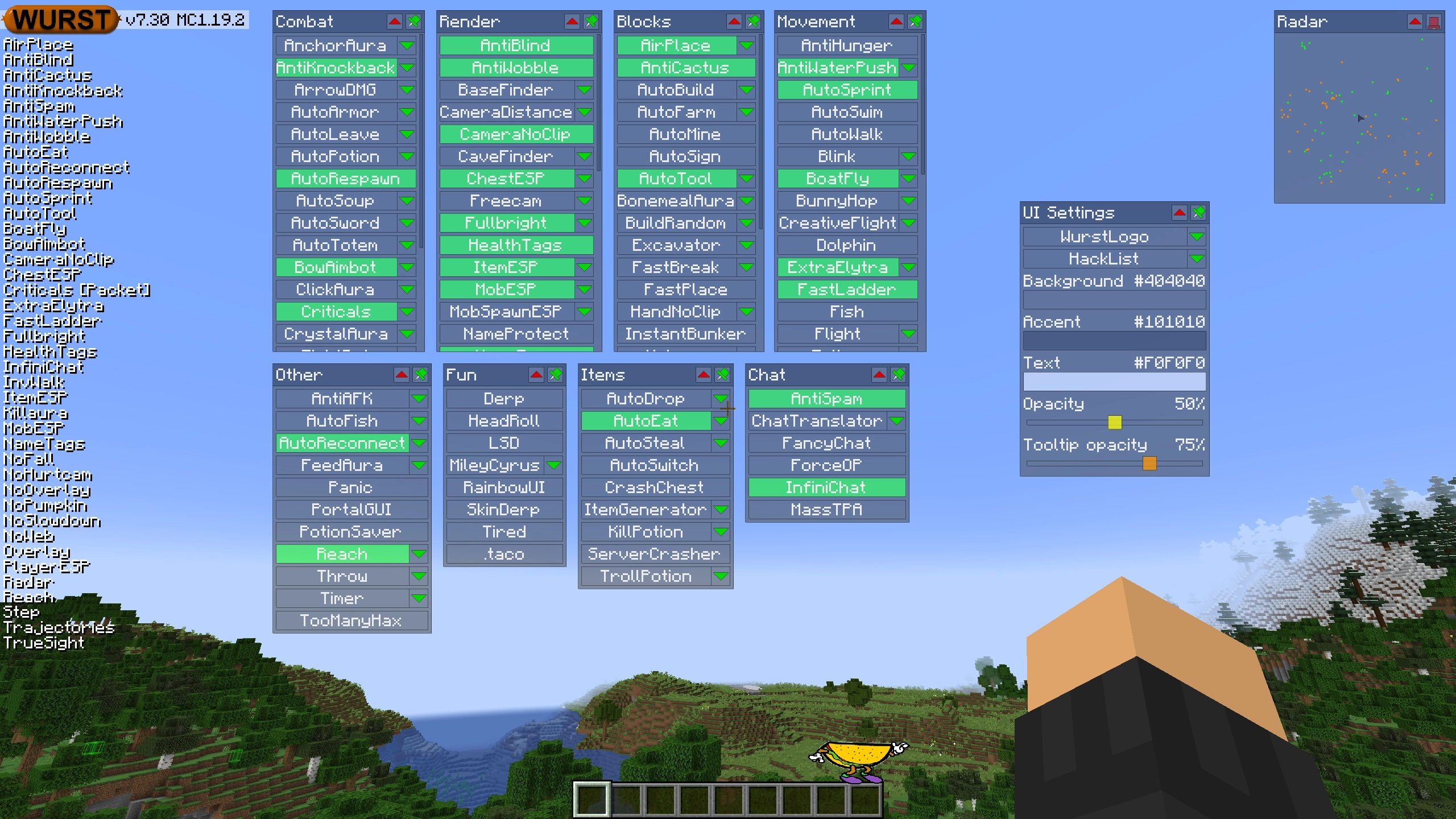
ClickGUI opens with the Right CTRL key. When opened, it displays a window for each category, which then contains a list of every feature in that category.
Navigator
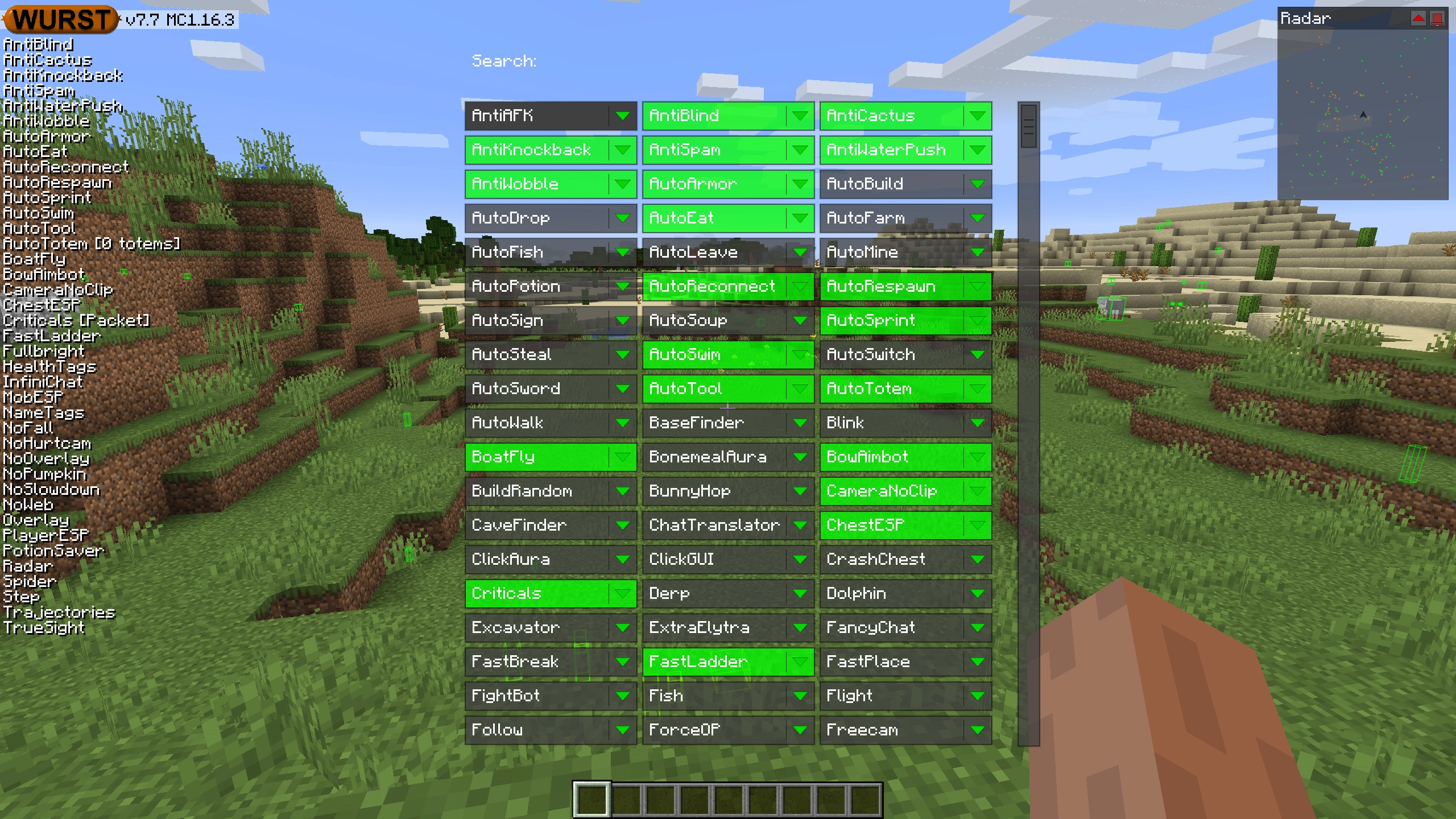
Navigator opens with the Right Shift key. When opened, it displays a searchable list of every feature in Wurst.
TabGUI
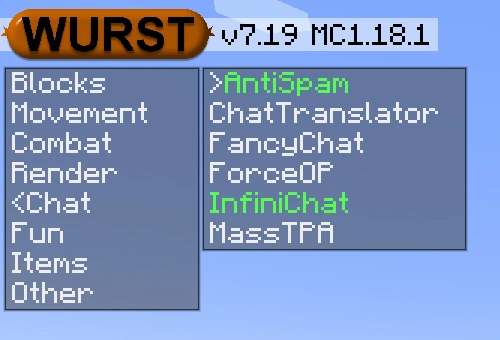
TabGUI does not have a default keybind. You can enable it by opening the Navigator GUI and searching for "TabGUI" (don't worry, you only need to do this once).
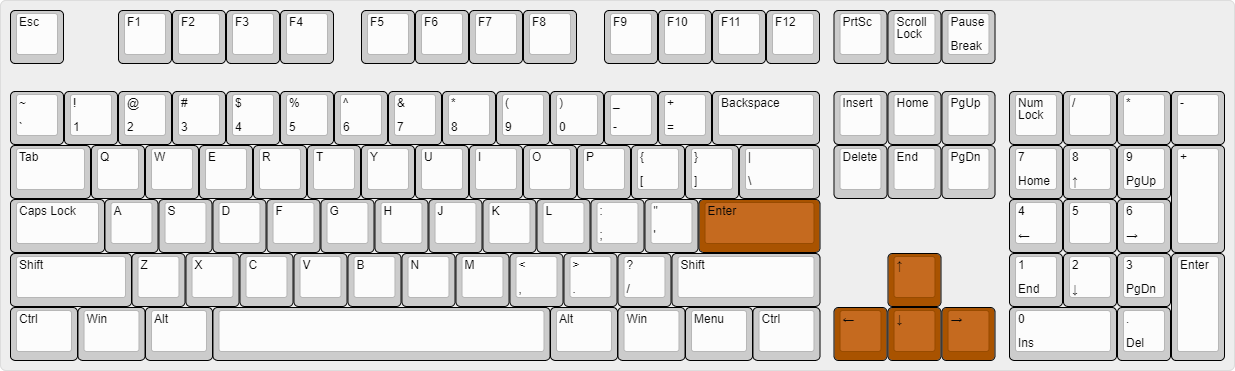
Once enabled, you can use TabGUI with the Arrow Keys to change the selection and Enter to toggle the selected feature.
Supported Languages (15)
Translations are unfinished and thus disabled by default. Go to Wurst Options → Translations to enable them.
- Chinese (Simplified/Mainland)
- Chinese (Traditional/Taiwan)
- Chinese (Cantonese/Hong Kong)
- Czech
- English (US)
- French
- German
- Italian
- Japanese
- Korean
- Polish
- Romanian
- Russian
- Turkish
- Ukrainian
 Fabric API
v0.144.0+26.1
Fabric API
v0.144.0+26.1